Email Inbox
Stay connected with your team through the company's internal mailing system.
Overview
Tap on Inbox from the home screen.
You will see a list of received emails with the sender's name, subject, and timestamp.
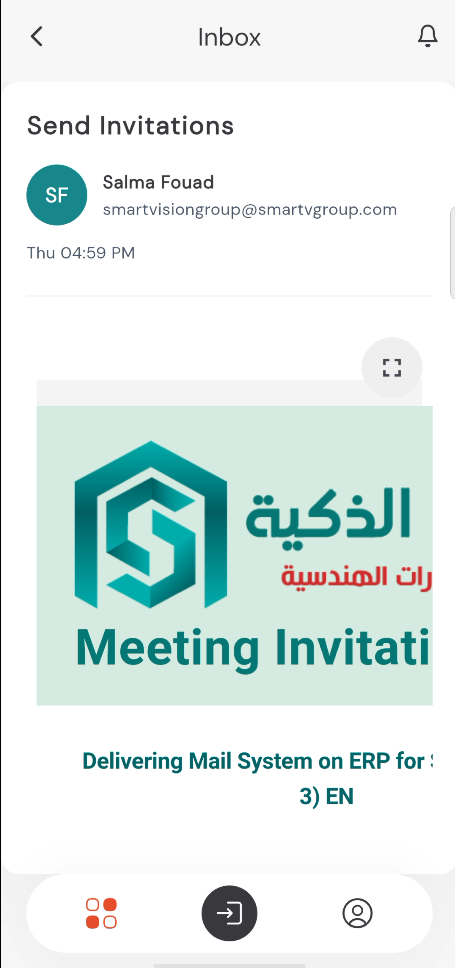
Tap on any email to view its full content, including any images or attachments.
9:41●●●●○WiFi100% 🔋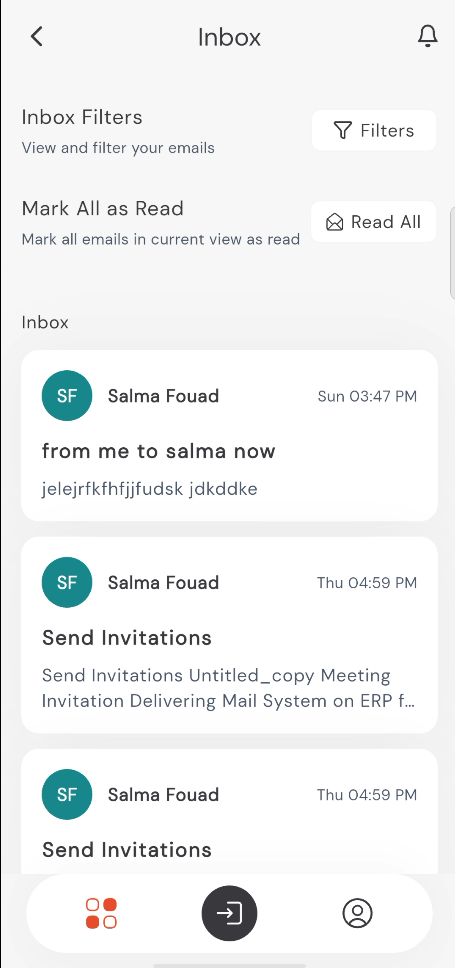
Viewing Emails
When you open an email, you can read the complete message details. If there are attachments or embedded images, they will be displayed within the message body.
Searching and Filtering
You can quickly find specific emails using filters:
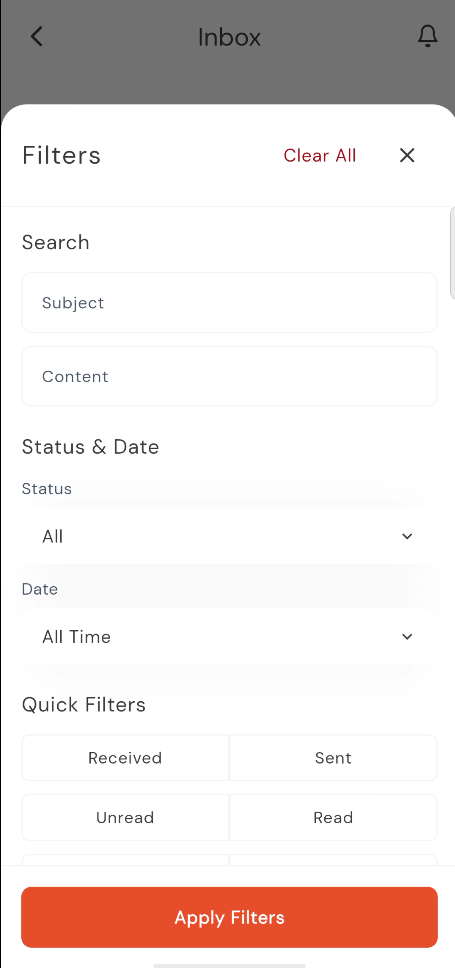
Tap the Filters button.
Search by Subject or Content.
Filter by Status (All, Open, Replied, Closed, Linked) or Date (All Time, Today, Last 7 Days, Last 30 Days, Last 3 months).
Use quick filters for Received or Sent or Unread or Read or Not Allocated or Allocated items.
9:41●●●●○WiFi100% 🔋