Shift Requests
Manage your shift changes and specific work arrangements.
Requesting a Shift Change
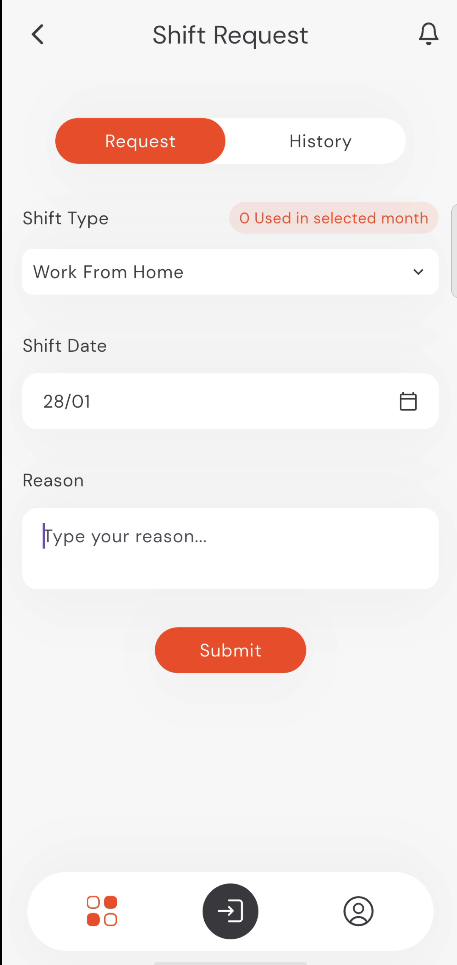
- Tap on Shift Requests from the home screen.
- Select the Shift Type (e.g., Work From Home, Mission, Excuse).
- Select the Shift Date.
- Provide a Reason for the request.
- Tap Submit.
info
Note: All fields are mandatory, including the Reason field.
9:41
●●●●○WiFi100% 🔋
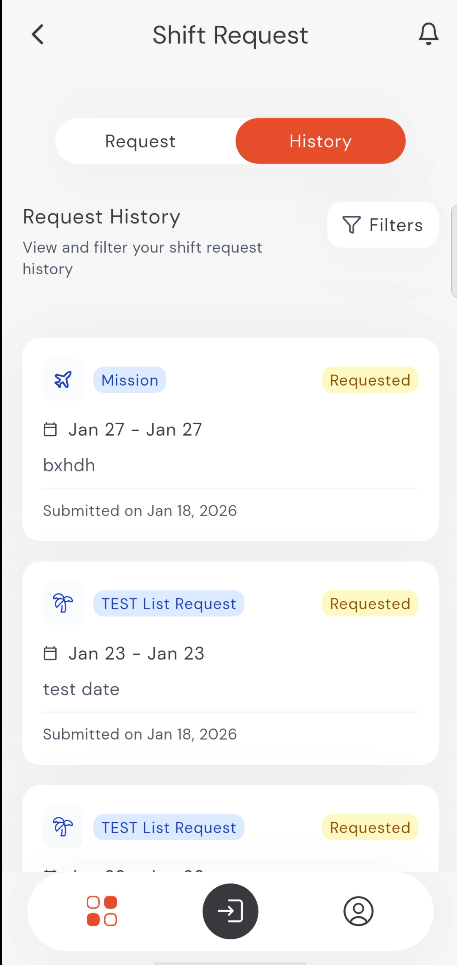
Shift History
View all your shift requests and their current progress in the History tab.
9:41
●●●●○WiFi100% 🔋